reading-notes-201d25
Project maintained by Mahmoud-Khader Hosted on GitHub Pages — Theme by mattgraham
Read09
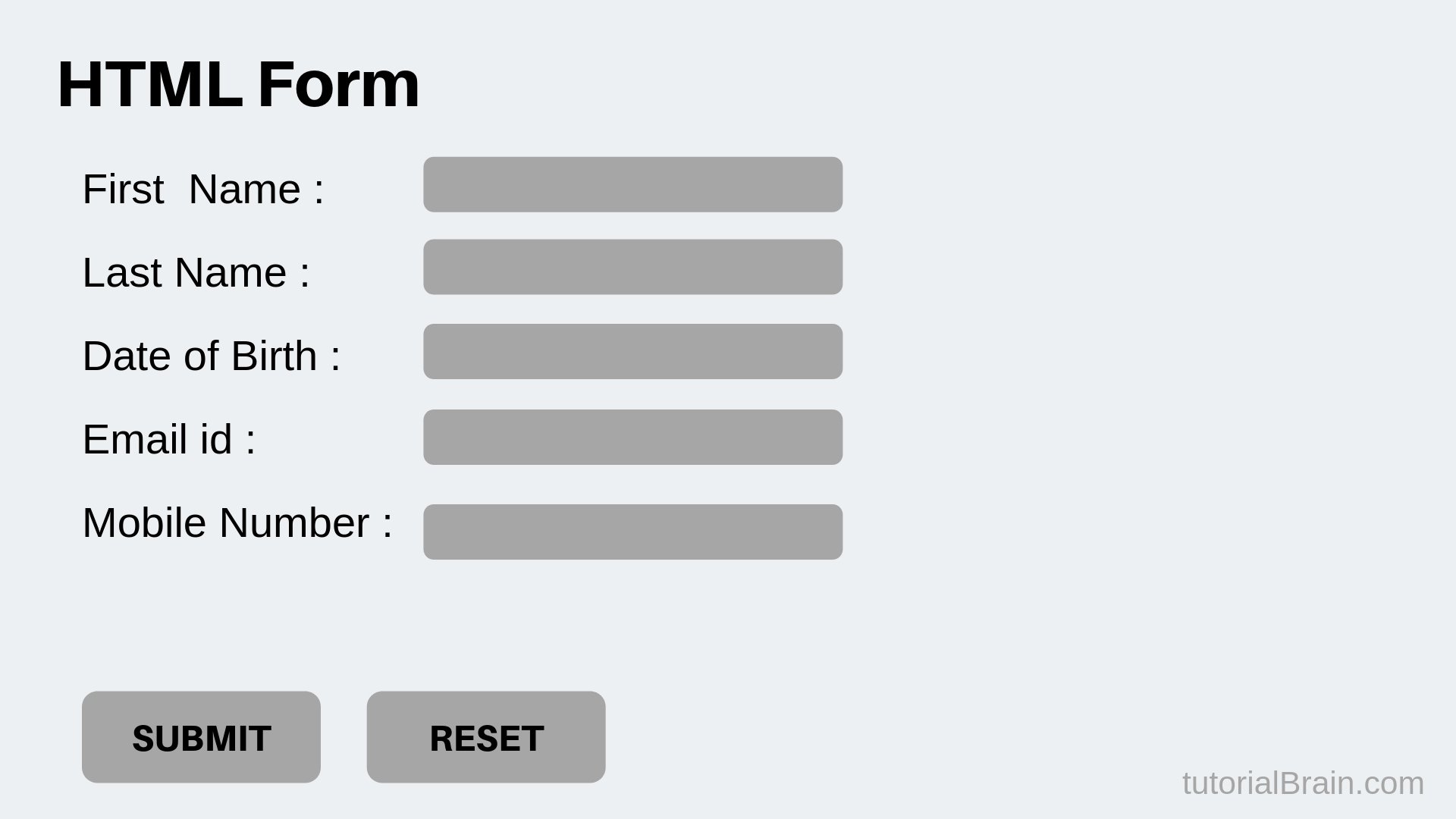
**What is the Form? **
-
Traditionally, the term ‘form’ has referred to a printed document that contains spaces for you to fill in information.HTML borrows the concept of a form to refer to different elements that allow you to collect information from visitors to your site. In addition to enabling users to search, forms also allow users to perform other functions online. You will see forms when registering as a member of a website, when shopping online, and when signing up for newsletters or mailing lists.
-
To collect information from visitors to your site, There is something called Form Control, which control the way that you collect data form visitors. There are several types of form controls that you can use:
ADDING TEXT: There are different types of text, which are:
-
Text input (single-line): Used for a single line of text such as email addresses and names.
-
Text area (multi-line): For longer areas of text, such as messages and comments. Password input: Like a single line text box but it masks the characters entered.
MAKING CHOICES: It has different ways to make choice:
-
Radio buttons: For use when a user must select one of a number of options.
-
Check boxes: When a user can select and unselect one or more options.
-
Drop-down boxes: When a user must pick one of a number of options from a list.
-
Submitting Forms: This control type also has three ways for it:
-
Submit buttons: To submit data from your form to another web page.
-
Image buttons: Similar to submit buttons but they allow you to use an image.
-
File upload: Allows users to upload files (e.g. images,PDF..etc) to a website.
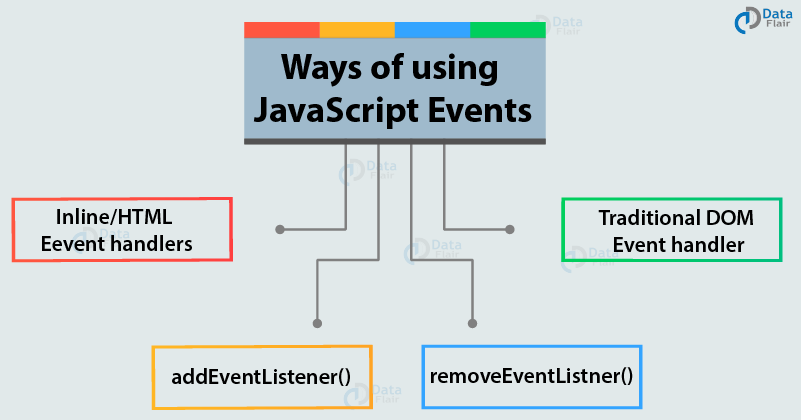
**When you browse the web, your browser registers different types of events. Scripts often respond to these events by updating the content of the web page (via the Document Object Model) which makes the page feel more interactive. **
There are different type of events:
-
UI Events: Occur when a user interacts with the browser’s user interface (UI) rather than the web page.
-
Keyboard Events: Occur when a user interacts with the keyboard (see also input event).
-
Mouse Events: Occur when a user interacts with a mouse, track-pad, or touch-screen.
-
Focus Events: Occur when an element (e.g., a link or form field) gains or loses focus.
-
Form Events: Occur when a user interacts with a form element.
-
Mutation Events: Occur when the DOM structure has been changed by a script.