reading-notes-201d25
Project maintained by Mahmoud-Khader Hosted on GitHub Pages — Theme by mattgraham
Read13
THE PAST, PRESENT & FUTURE OF LOCAL STORAGE FOR WEB APPLICATIONS
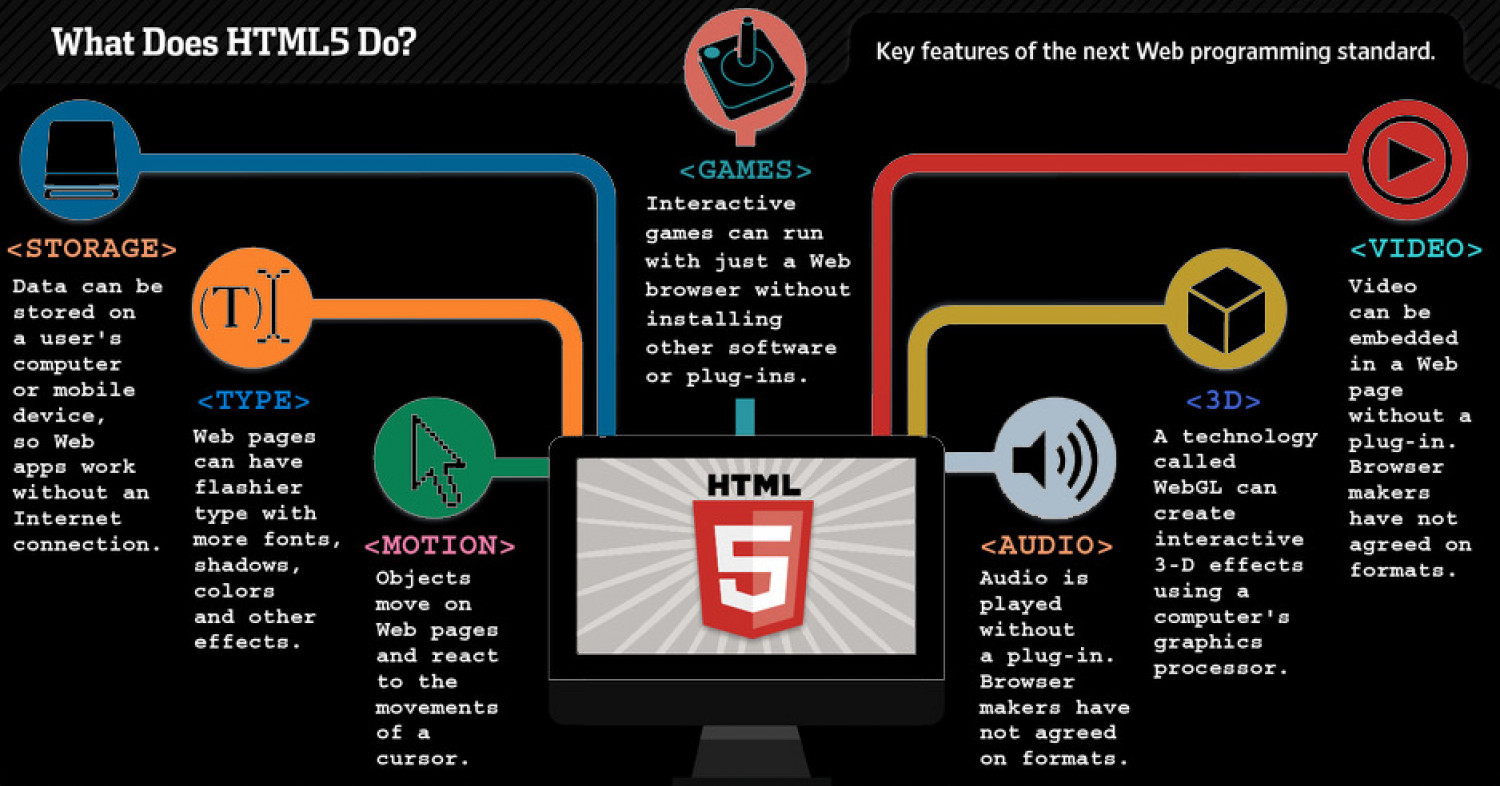
In the beginning, there was only Internet Explorer. Or at least, that’s what Microsoft wanted the world to think. To that end, as part of the First Great Browser Wars, Microsoft invented a great many things and included them in their browser-to-end-all-browser-wars, Internet Explorer.
One of these things was called DHTML Behaviors, and one of these behaviors was called user Data.
In the meantime, Brad Neuberg and others continued to hack away on dojox.
storage to provide a unified interface to all these different plugins and APIs.
By 2009, dojox.storage could auto-detect (and provide a unified interface on top of) Adobe Flash, Gears, Adobe AIR, and an early prototype of HTML5 storage that was only implemented in older versions of Firefox.
If you want to keep track programmatically of when the storage area changes, you can trap the storage event.
The storage event is fired on the window object whenever set Item(), remove Item(), or clear() is called and actually changes something. For example, if you set an item to its existing value or call clear() when there are no named keys, the storage event will not fire, because nothing actually changed in the storage area.
Let’s see HTML5 Storage in action. Recall the Halma game we constructed in the canvas chapter.
There’s a small problem with the game: if you close the browser window mid-game, you’ll lose your progress. But with HTML5 Storage, we can save the progress locally, within the browser itself. Here is a live demonstration.
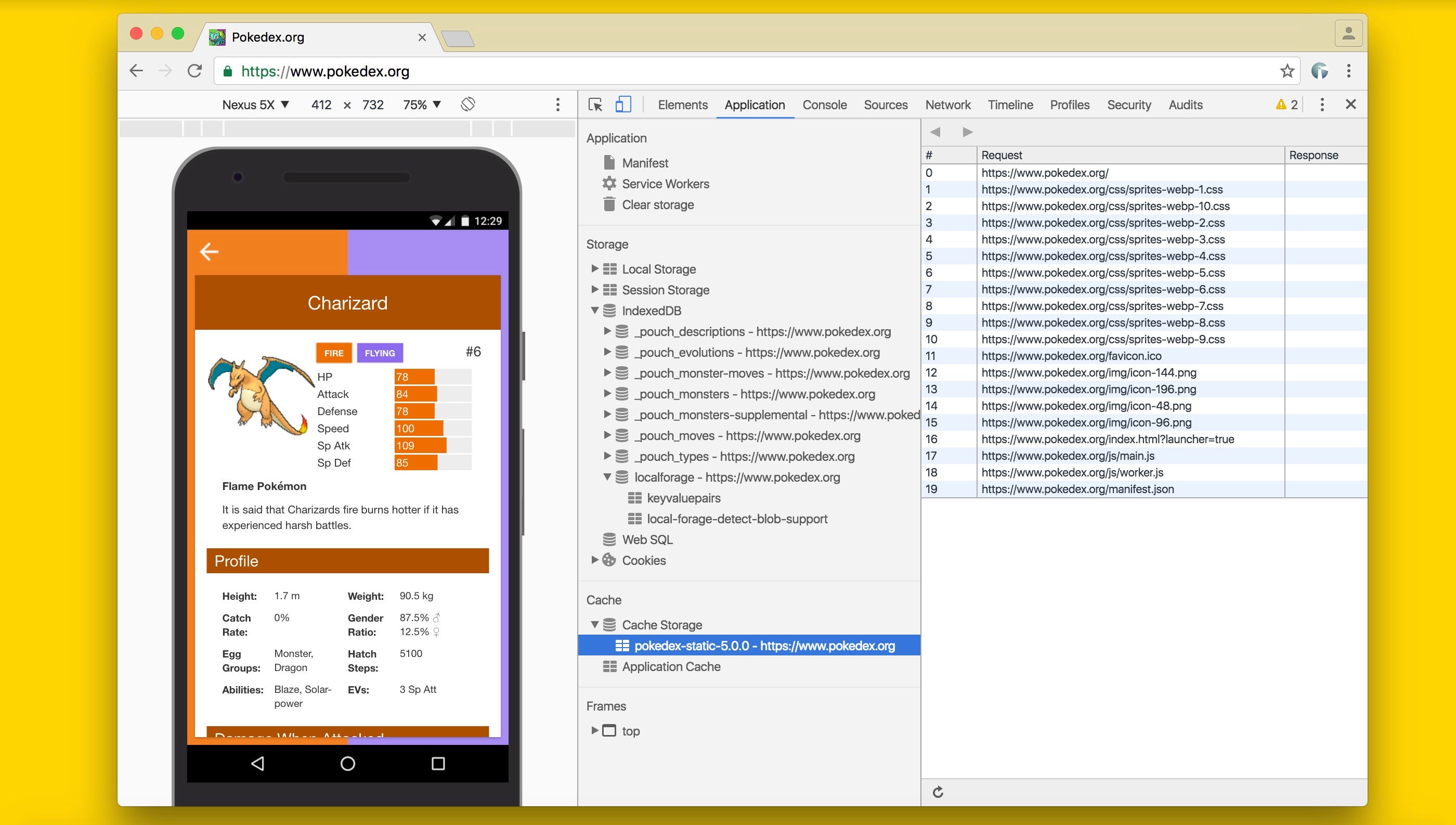
Make a few moves, then close the browser tab, then re-open it. If your browser supports HTML5 Storage, the demonstration page should magically remember your exact position within the game, including the number of moves you’ve made, the position of each of the pieces on the board, and even whether a particular piece is selected.